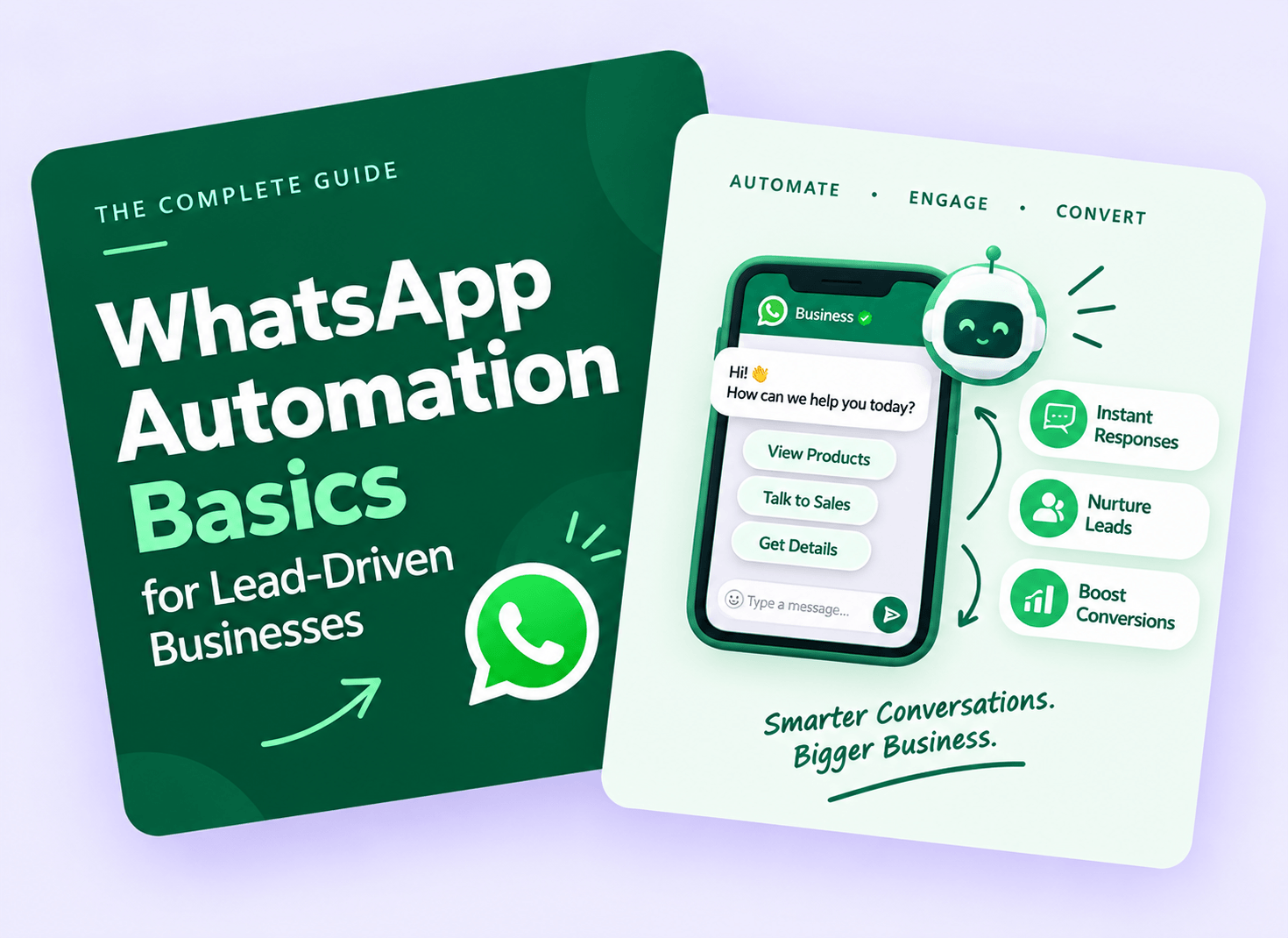
For businesses that depend on leads, getting a potential customer’s phone number is only the beginning. The real challenge is responding quickly, following up consistently, answering common questions, and eventually converting that lead into a paying customer.
This is where WhatsApp automation can make a major difference.
WhatsApp is already one of the most widely used communication platforms in India. Instead of making sales teams manually respond to every inquiry, businesses can automate repetitive conversations while keeping human sales representatives involved when personal assistance is needed.
In this guide, we’ll understand the basics of WhatsApp automation, how it works, what businesses can automate, and how to build a simple lead-to-customer workflow.
What Is WhatsApp Automation?
WhatsApp automation means using software, APIs, and predefined workflows to automatically send and receive messages based on specific customer actions or business conditions.
For example, imagine someone fills out a lead form for your business.
Instead of waiting for a salesperson to notice the lead and send a message manually, an automated workflow can immediately send:
“Hi Rahul! Thanks for your interest. We’ve received your inquiry. Our team will contact you shortly.”
The lead can then receive additional information, answer qualifying questions, book a call, or request assistance from a salesperson.
The goal isn’t to replace your sales team. The goal is to make sure your team doesn’t waste time doing repetitive tasks.
Why WhatsApp Automation Matters for Lead-Driven Businesses
Lead-driven businesses often face the same problems:
- Leads arrive outside business hours.
- Sales teams respond late.
- Follow-ups are forgotten.
- The same questions are answered repeatedly.
- Leads become cold before salespeople contact them.
- Different team members communicate differently.
- There is no proper follow-up process.
Automation helps create a structured communication process.
1. Faster Lead Response
Speed matters when someone has just shown interest in your product or service.
An automated WhatsApp message can be triggered immediately after a lead submits a form.
For example:
Lead submits form → WhatsApp message → Sales notification → Follow-up
This gives the business an opportunity to engage the prospect while their interest is still fresh.
2. Consistent Follow-Ups
Following up with every lead manually can become difficult when hundreds of inquiries arrive every month.
A WhatsApp workflow can remind or message leads according to predefined conditions.
For example:
Day 0: Thank-you message
Day 1: Product/service information
Day 3: Frequently asked questions
Day 5: Offer or consultation invitation
Day 7: Final follow-up
The exact sequence should depend on the business and the customer’s buying cycle.
3. Automated Lead Qualification
Not every lead has the same level of interest.
WhatsApp automation can ask basic qualifying questions before sending a lead to the sales team.
For example:
Bot: What service are you interested in?
- Website Development
- Meta Ads
- SEO
- Video Marketing
The next question can change depending on the selected option.
This allows the sales team to receive more useful information before making a call.
How WhatsApp Automation Works
A basic WhatsApp automation system usually contains several components.
Step 1: Lead Generation
First, the business needs a source from which leads are generated.
Common sources include:
- Meta Ads
- Google Ads
- Website forms
- Landing pages
- Property portals
- E-commerce websites
- QR codes
- Offline campaigns
For example:
Meta Ad → Lead Form → CRM → WhatsApp
Step 2: Lead Capture
Once a customer submits their information, the data can be sent to a CRM or automation system.
Typical information may include:
- Name
- Phone number
- Service/product interested in
- Location
- Lead source
- Campaign name
Step 3: WhatsApp Trigger
The automation platform receives the new lead and triggers an appropriate WhatsApp message.
For example:
New Lead Created → Trigger WhatsApp Template → Customer Receives Message
Step 4: Automated Conversation
The customer can then interact with the system.
Depending on the workflow, they might:
- Select a service
- Ask a question
- Request pricing
- Book an appointment
- Download a brochure
- Request a callback
- Talk to a salesperson
Step 5: Human Handoff
Automation shouldn’t handle every conversation.
When a customer shows strong buying intent, the conversation can be transferred to a human salesperson.
For example:
Customer: “I want to speak with someone about pricing.”
The system can respond:
“Sure! I’m connecting you with our sales team.”
The salesperson can then take over the conversation.
What Can You Automate on WhatsApp?
Businesses can automate many repetitive parts of the customer journey.
Welcome Messages
Send an instant message after a lead submits an inquiry.
Lead Qualification
Ask questions to understand the customer’s requirements.
FAQs
Automatically answer common questions about:
- Pricing
- Services
- Location
- Working hours
- Delivery
- Features
- Availability
Appointment Booking
Customers can select a suitable date or request a callback.
Follow-Ups
Send predefined follow-up messages based on the customer’s journey.
Notifications
Businesses can send updates such as:
- Appointment confirmation
- Order updates
- Payment notifications
- Service reminders
- Booking confirmations
Sales Team Alerts
A new lead can trigger an internal notification so that the sales representative knows a new inquiry has arrived.
A Simple WhatsApp Lead Automation Funnel
A basic funnel can look like this:
Advertisement
↓
Lead Form
↓
CRM
↓
WhatsApp Welcome Message
↓
Lead Qualification
↓
Product/Service Information
↓
Salesperson Handoff
↓
Follow-Up
↓
Conversion
This structure is simple enough for small businesses while still being scalable.
Example: WhatsApp Automation for a Digital Marketing Agency
Suppose a digital marketing agency runs Meta Ads to generate leads.
A potential customer submits:
Name: Rahul
Business: Local Restaurant
Requirement: Meta Ads
The automation can send:
Message 1 — Immediate
“Hi Rahul, thanks for contacting us. We received your inquiry about Meta Ads. We’d love to understand your business better.”
Then:
Message 2 — Qualification
“What is your primary goal?”
- More Leads
- More Sales
- Brand Awareness
- WhatsApp Enquiries
Based on the response, the workflow can provide relevant information.
Finally:
Message 3 — Sales Handoff
“Thanks, Rahul. Based on your requirement, our marketing specialist can help you with the next steps. Would you like to schedule a call?”
This creates a structured customer journey without requiring a salesperson to manually send every initial message.
WhatsApp Automation vs WhatsApp Broadcast
These two concepts are often confused.
WhatsApp Broadcast is generally used to send a message to multiple contacts.
WhatsApp Automation is based on triggers, customer actions, or predefined workflows.
For example:
Broadcast:
“New offer available this weekend!”
Automation:
“Customer requested pricing → Send pricing information → Ask if they want a consultation.”
Automation is therefore more useful when you want to create a personalized lead journey.
WhatsApp Automation and CRM Integration
For lead-driven businesses, connecting WhatsApp with a CRM can make the system much more powerful.
A CRM can store information such as:
- Lead status
- Source
- Sales representative
- Last contact
- Follow-up date
- Customer requirements
- Conversion status
A simple workflow could be:
Meta Lead → CRM → WhatsApp → Salesperson → CRM Update
For example, when a lead is marked as “Interested,” the system could automatically trigger a relevant follow-up.
Common Mistakes to Avoid
WhatsApp automation can be powerful, but poor implementation can create a frustrating customer experience.
Don’t Send Too Many Messages
Automation doesn’t mean sending messages constantly.
Every message should have a purpose.
Don’t Make the Bot Too Complicated
A customer shouldn’t have to navigate through ten menus just to talk to a human.
Keep important options simple.
Don’t Hide Human Support
Give customers an easy way to contact a real person.
Don’t Ignore Lead Source
Knowing whether a lead came from Google Ads, Meta Ads, Instagram, or your website helps businesses understand which marketing channels are generating results.
Don’t Forget Consent and WhatsApp Policies
Businesses should use appropriate WhatsApp business tools and follow applicable messaging, consent, and platform policies. Promotional messaging should not be treated like unlimited personal messaging.
How to Start WhatsApp Automation
You don’t need to build a complicated system on day one.
Start with one simple workflow.
Step 1: Identify Your Biggest Problem
Ask:
Where are leads being lost?
Is it slow response?
Poor follow-up?
Unqualified leads?
Missed inquiries?
Choose one problem first.
Step 2: Create Your First Workflow
A good starting workflow is:
Lead Generated → Welcome Message → Qualification → Sales Handoff
Step 3: Connect Your Lead Source
Connect your website, Meta Ads, CRM, or other lead source with your automation system.
Step 4: Create Useful Messages
Keep messages short, clear, and relevant.
Avoid writing long paragraphs that feel robotic.
Step 5: Add Human Handoff
Make sure your sales team can take over whenever necessary.
Step 6: Track Results
Monitor metrics such as:
- Number of leads
- Response rate
- Qualified leads
- Sales conversations
- Appointments
- Conversions
- Cost per lead
- Conversion rate
The purpose of automation is ultimately to improve the customer journey and business outcomes—not simply to send more m